

Basic in Computer Application (BCA)
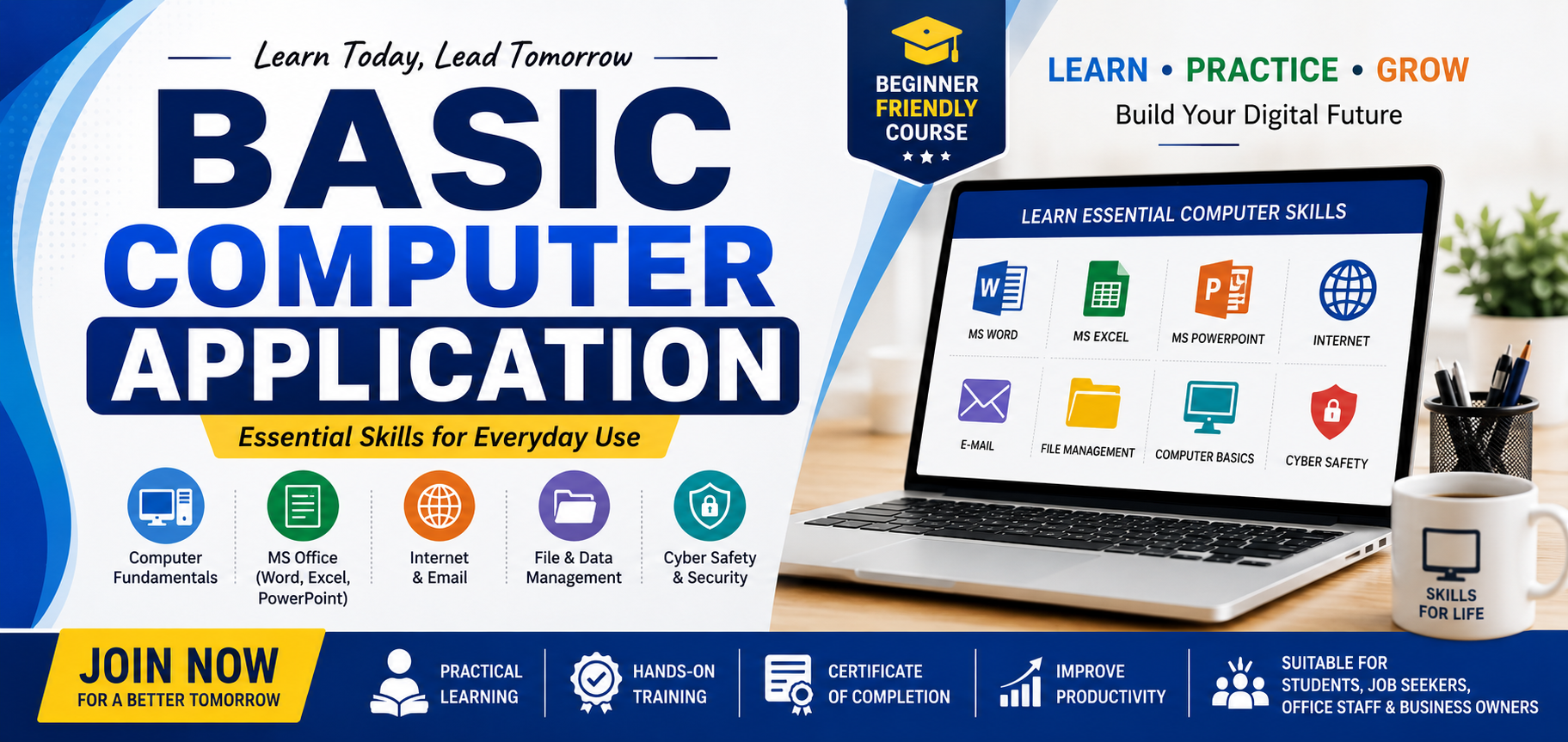
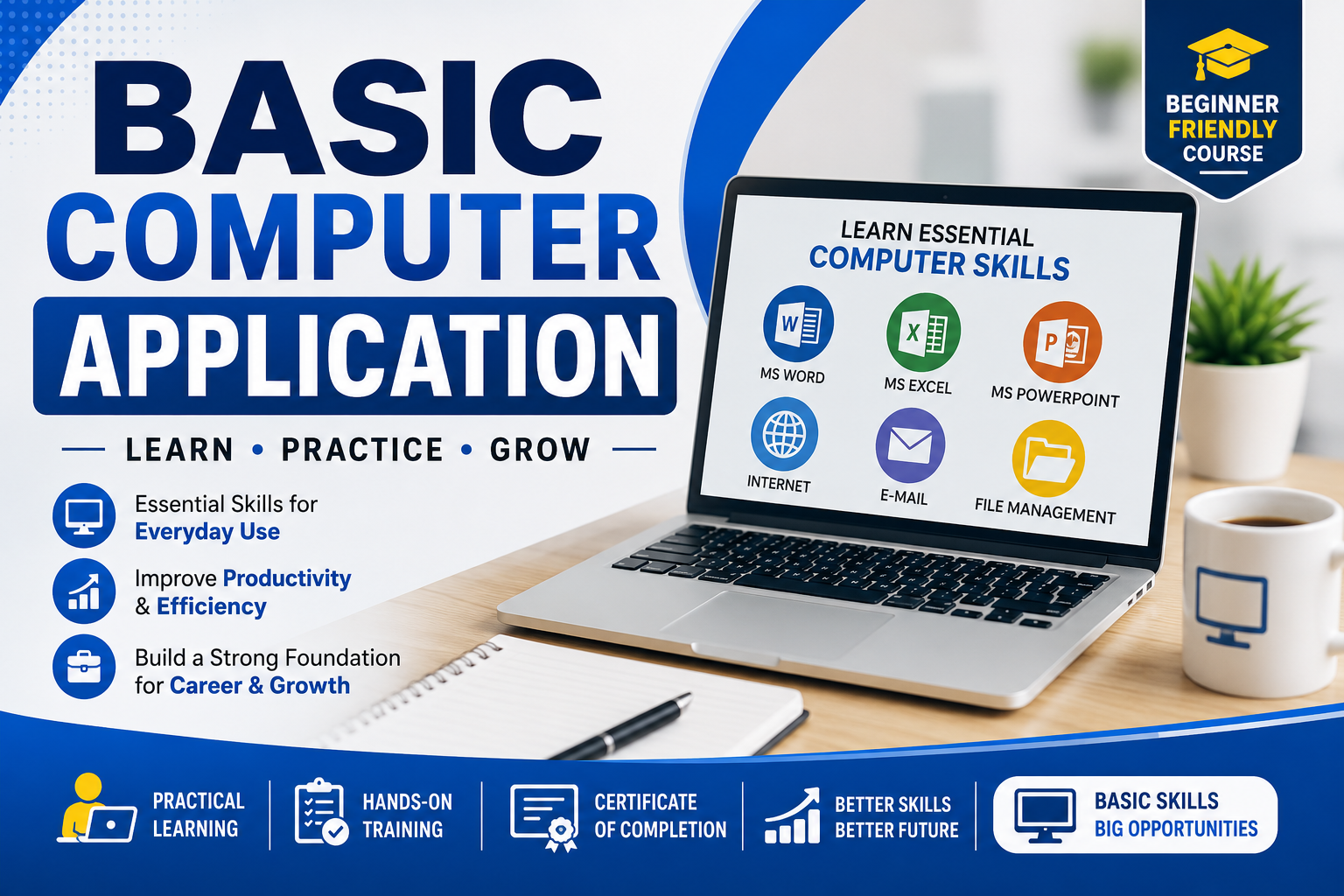
A Basic Computer Application course teaches fundamental computer skills used in daily office, business, and personal work. It includes topics such as computer basics, MS Word, MS Excel, MS PowerPoint, internet usage, email, typing, file management, and basic digital communication. The course helps students improve productivity, data handling, document creation, and computer operating skills for education and professional use.
Course Description
**Basic Computer Application** is a foundational computer course designed to provide essential knowledge and practical skills required for operating computers efficiently in personal, educational, and professional environments. The course introduces students to the fundamentals of computer systems, software applications, internet technology, and digital communication tools commonly used in offices, businesses, schools, and government sectors.
The program begins with an introduction to computers, including the history and evolution of computers, types of computers, hardware components, input and output devices, storage devices, memory units, and operating systems. Students learn how to start, operate, and manage a computer system safely and effectively.
The course covers the use of popular office productivity software such as **MS Word**, **MS Excel**, and **MS PowerPoint**. In MS Word, students learn document creation, editing, formatting, tables, page setup, mail merge, and printing. In MS Excel, students gain knowledge of spreadsheets, formulas, functions, charts, data sorting, filtering, and basic financial calculations. MS PowerPoint training includes creating presentations, slide design, animations, transitions, and presentation delivery techniques.
Students are also introduced to internet applications and online services, including web browsing, search engines, email creation and management, cloud storage, online communication, video conferencing, and cyber safety practices. The course explains basic networking concepts and digital communication methods used in modern workplaces.
Additionally, the program includes practical knowledge of file management, typing skills, data entry, printer usage, scanning, PDF conversion, and basic troubleshooting techniques. Students learn how to organize files and folders, install simple software, and maintain computer security using antivirus and password protection methods.
The course aims to develop computer literacy, improve digital confidence, and prepare learners for office work, academic activities, online services, and entry-level computer-related jobs. It is suitable for beginners, students, job seekers, business owners, and anyone wishing to build strong basic computer skills for everyday use.
Course Modules
M1: Introduction to Computers
History and generations of computers Types of computers Basic components of a computer Input and output devices Hardware and software concepts Computer memory and storage devices
M2: Operating System Basics
Introduction to Operating Systems Windows desktop environment File and folder management Control Panel settings Installing and uninstalling software Basic system maintenance
M3: Typing & Keyboard Skills
Keyboard functions and shortcuts English typing practice Speed and accuracy improvement Special keys and numeric keypad usage
M4: Microsoft Word
Creating and saving documents Text formatting and page setup Tables and columns Header, footer, and page numbering Inserting images and shapes Mail Merge basics Printing documents
M5: Microsoft Excel
Introduction to spreadsheets Rows, columns, and worksheets Basic formulas and functions SUM, AVERAGE, COUNT, IF functions Charts and graphs Data sorting and filtering Page layout and printing
M6: Microsoft PowerPoint
Creating presentations Slide layouts and themes Adding images, audio, and video Animations and transitions Slide show presentation techniques
M7: Internet & Email
Introduction to the Internet Web browsing and search engines Creating and using email Sending attachments Online communication tools Video conferencing basics
M8: Digital Services & Online Applications
Online forms and registrations Cloud storage usage Online banking basics Digital payment awareness Government online services
M9: Computer Security & Safety
Cyber security basics Virus and antivirus concepts Password protection Safe internet practices Data backup methods
M10: Practical & Project Work
Real-time practical assignments Office file preparation Excel calculation projects Presentation preparation Final practical assessment and project work
Key Features
What You'll Learn
Examination Details
| Exam Name | Full Marks | Pass Marks |
|---|---|---|
| ## Examination Details * The course includes both **theoretical and practical examinations** * Exams are conducted after completion of all course modules * Students must attend regular practical sessions and assignments * Practical tests are based on: * MS Word document creation * MS Excel formulas and spreadsheet work * MS PowerPoint presentation creation * Internet and email usage * File management and computer operations * Theory examination may include: * Multiple choice questions (MCQ) * Short answer questions * Basic computer concepts and terminology * Internal assessments and project work may also be included * Minimum passing marks are required in both theory and practical exams * Students successfully completing the examination will receive a **Course Completion Certificate** * Evaluation is based on: * Attendance * Practical performance * Assignments * Final examination results * Certification helps improve opportunities for: * Office jobs * Data entry work * Computer operator jobs * Government and private sector applications * Personal and professional computer skills development | 100 | 50 |
Course Information
Prerequisites
Target Audience
Ready to Start Your Journey?
Join ACIT Sikkim and take the first step towards a successful IT career